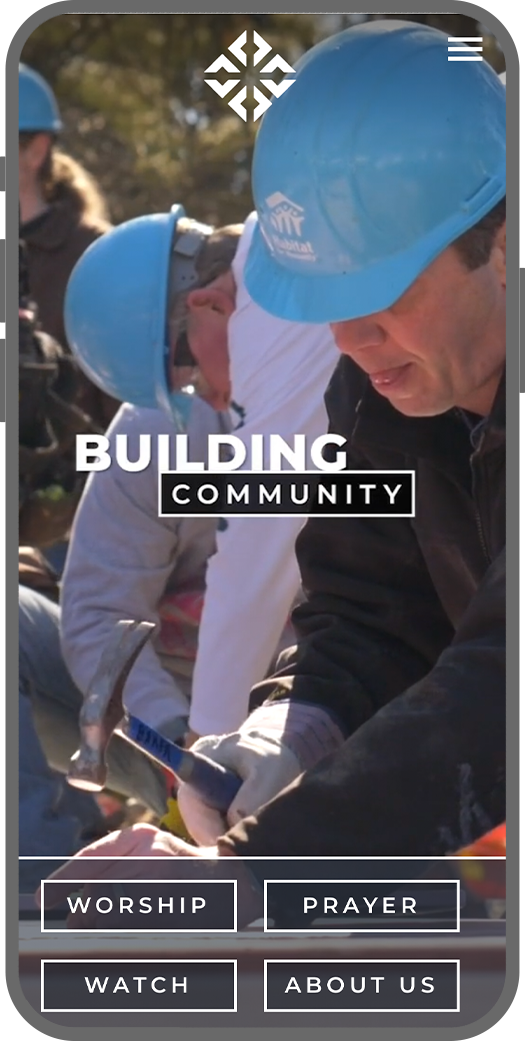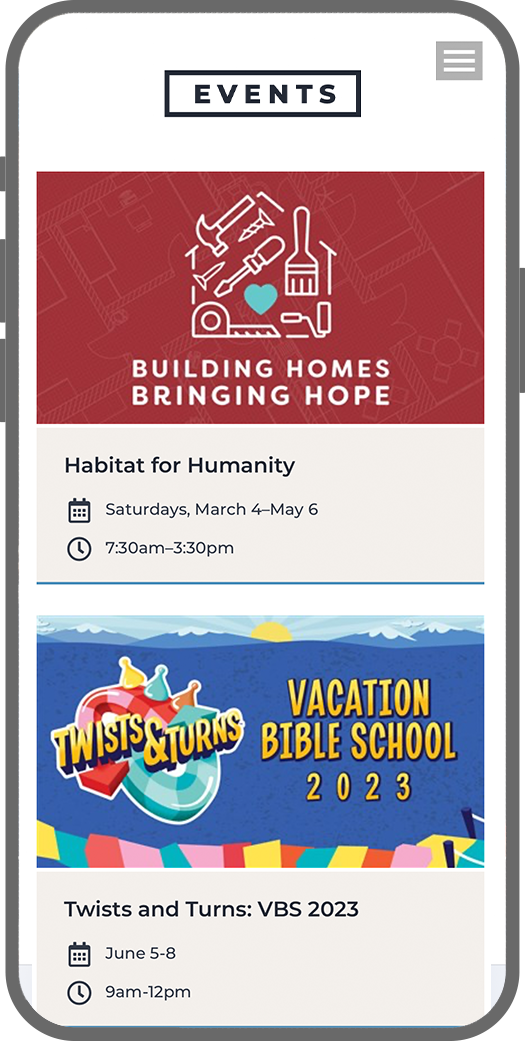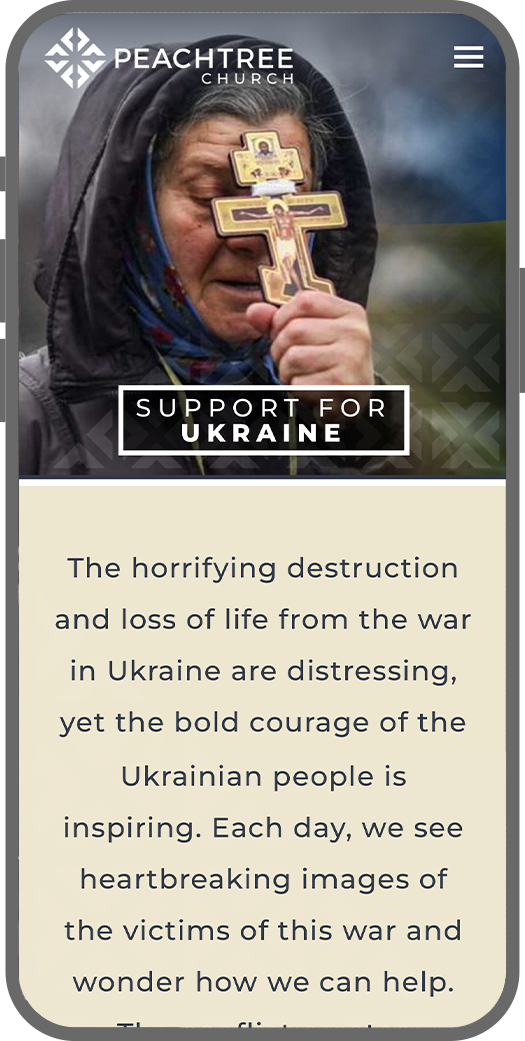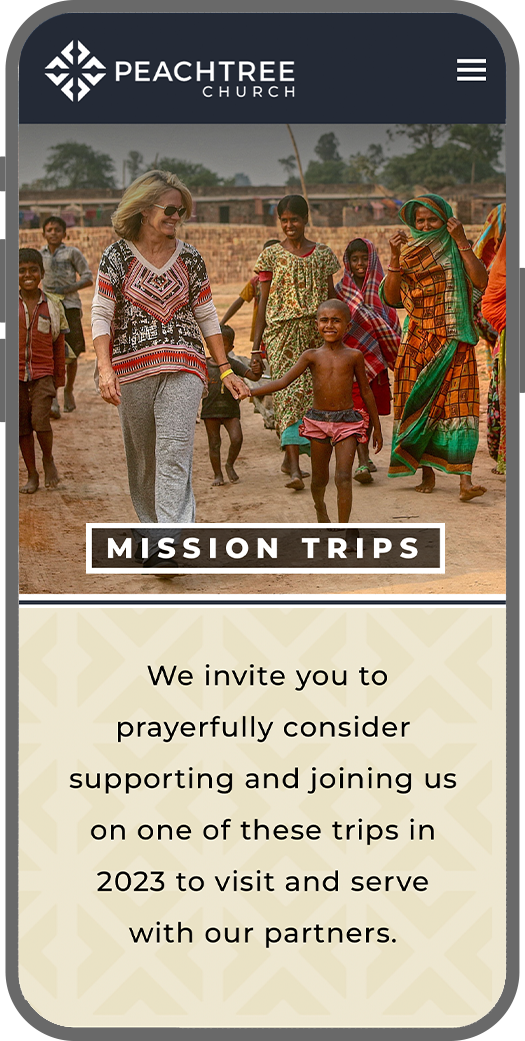

Modernizing and upgrading a website for 7,500+ congregants
Collaborated with Peachtree’s Art Director, Amy Anderson, and web developer Ray Cicola, to redesign the website for Peachtree Presbyterian. We developed a new CMS from the ground up to meet the unique needs of Peachtree. The new site is able to be quickly updated, easily maintained and has the flexibility to adjust to Peachtree’s ever‑changing needs.
Client
Peachtree Church
Role
Creative Direction / Photography
Opportunities, Challenges, and Considerations
There were 2 major parts to the project that we worked on simultaneously
1: CMS
The church’s existing site was a custom build and required a developer to make most updates. This was expensive and made it difficult to make changes quickly. The church needed to be more nimble and responsive. Because of a need to integrate with some of the church’s existing backend business systems, we weren’t able to easily use an off-the-shelf CMS, so we developed a custom CMS. This also allowed the flexibility to build features that addressed some of Peachtree’s unique needs. The developer modified the CMS was able to be repurposed for schools and other churches.
Priorities
- Flexible backend interface that allows the design team to quickly create whatever is needed without being locked into too rigid of a template
- Ability for key stakeholders to make updates to selected items
- Robust event management tool that takes a tiered approach, ensuring that the most important events are always on the homepage, with the ability to fallback to secondary events when there aren’t enough signature events to populate the homepage
- A powerful video/sermon admin that allows multiple contributors to update supporting elements (such as thumbnail images, speakers, bulletin links, resources, etc).
Events Admin Before
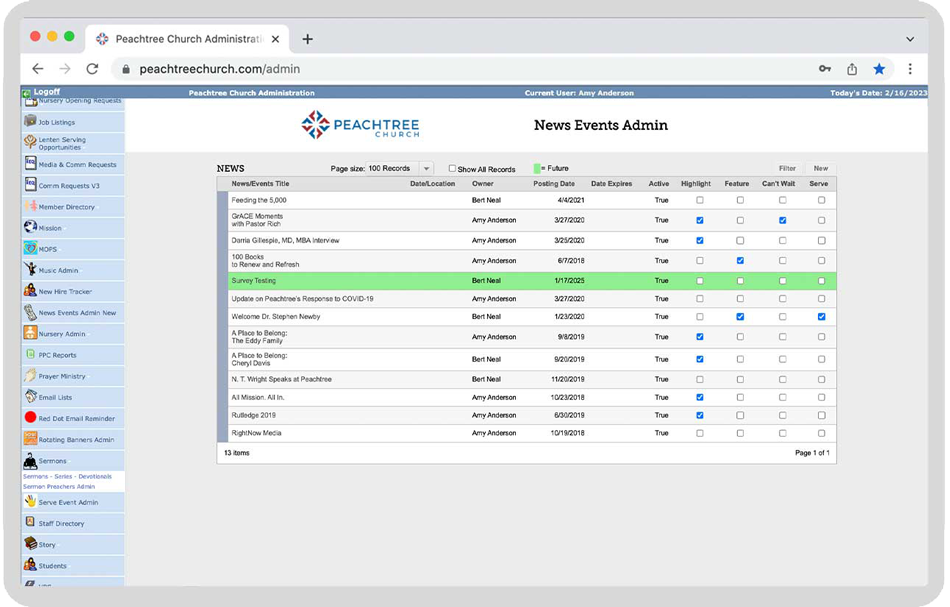
Before the new CMS, there was a complex system of checkboxes to do add events to various locations across the website. There were limited options for prioritizing and ordering events, and only a few members of staff could add or update events because of the complexity of the system.
Events Admin After
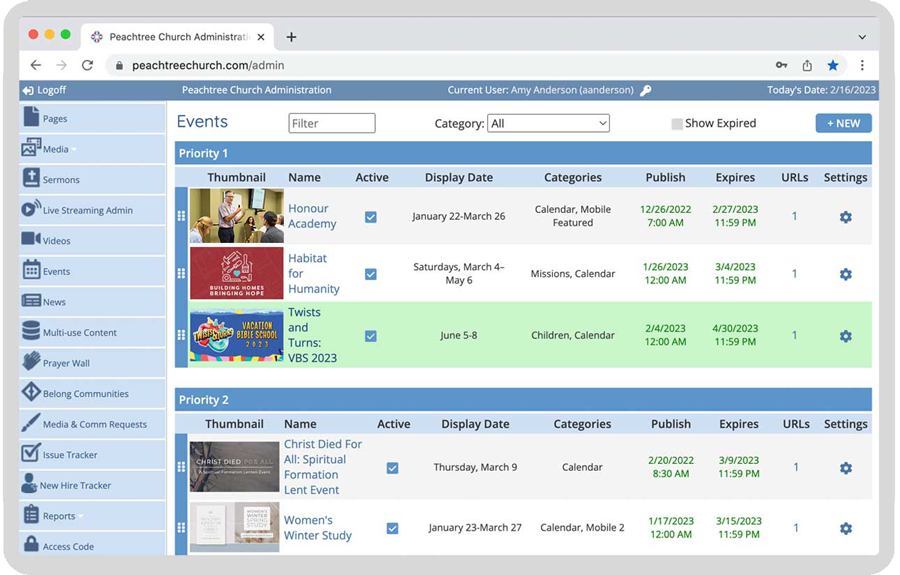
The new CMS is more intuitive with drag and drop functionality for prioritizing events. They are able to have a lot more control over when and where events are posted. The options when adding events are simplified dramatically so most staff members can add an event to their page.
Event Details Before
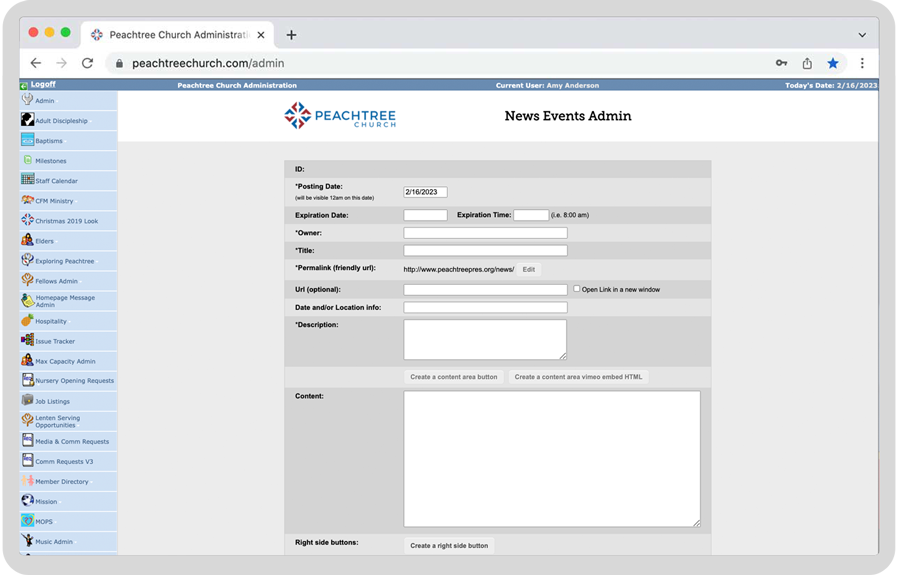
With the old system, users were limited to a few fields that had limited options. There was very little ability to customize the look of events pages and it required the ability to write code. The old system didn’t have categories, so we weren’t able to specify ministry events to display on individual ministry pages.
Events Details After
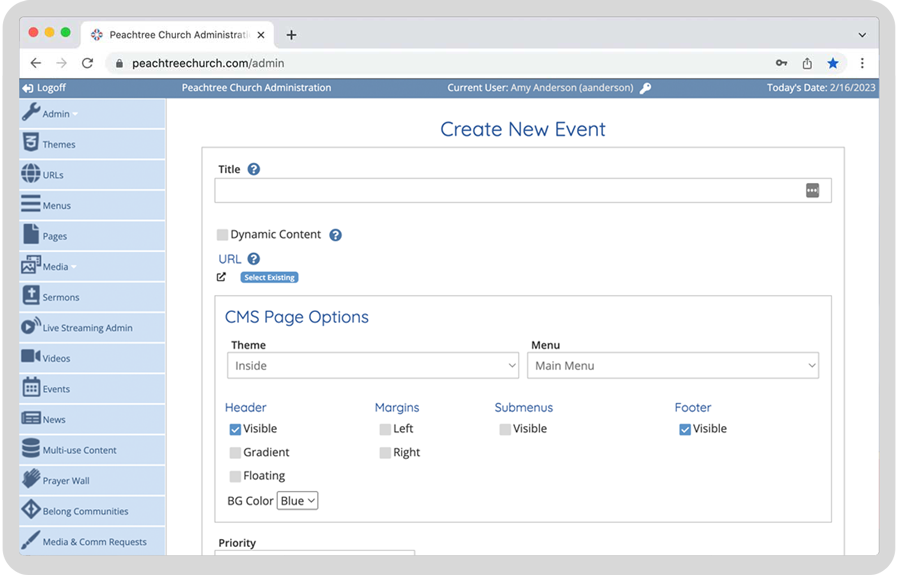
The new events admin can be as simple or complex as needed. For quick, simple events, users can just fill in some basic info, add a photo and a registration link and they will be done. For larger events with their own website, users can just point the event to the event page. The addition of categories allows users to direct events to specific pages.
Page Builder Before
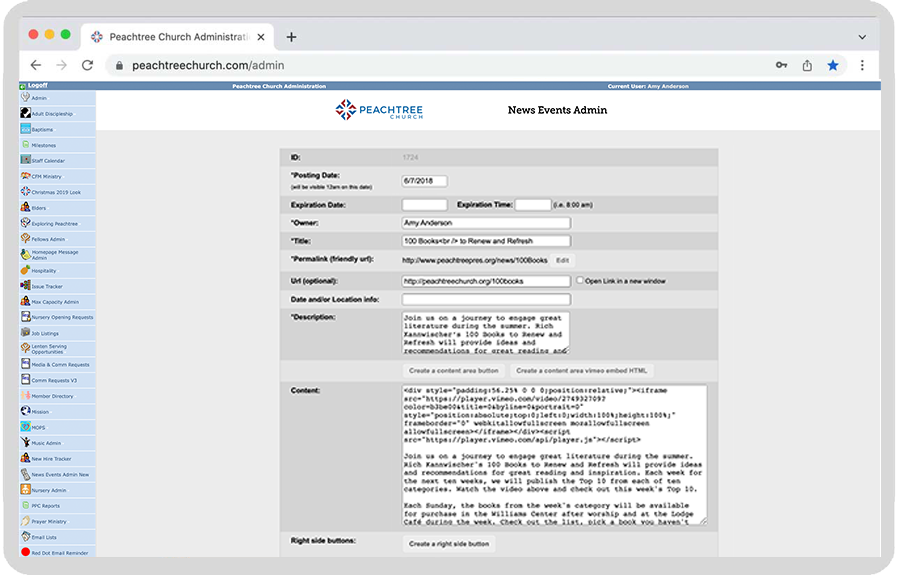
The old CMS had very limited customization options. We had the ability to customize certain areas of certain pages, but only had a code view. It required someone with technical knowledge to customize the few areas that were customizable.
Page Builder after
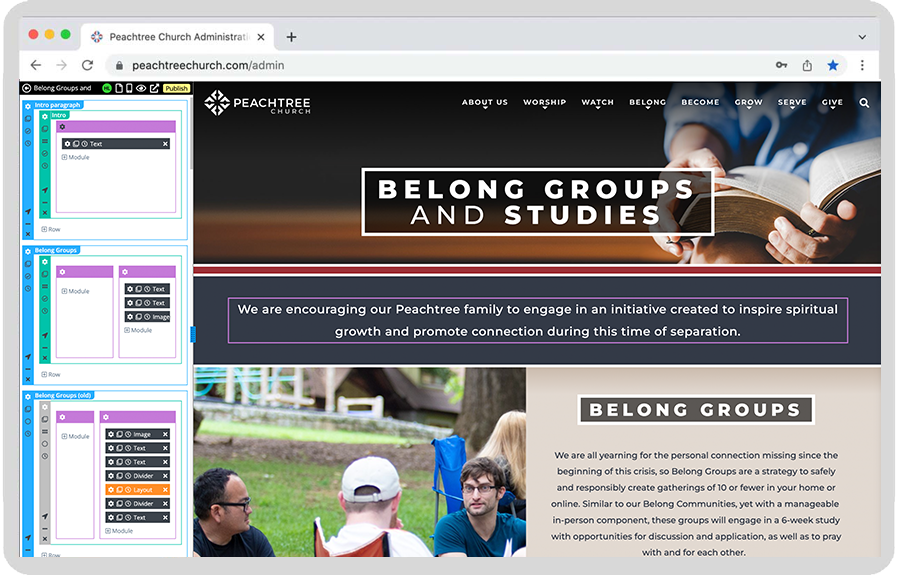
The new CMS allows designers to visually build pages. There are options to edit CSS, for more customization options, but it is just as easy for a designer with no CSS or HTML background to build an attractive page.
2: Design
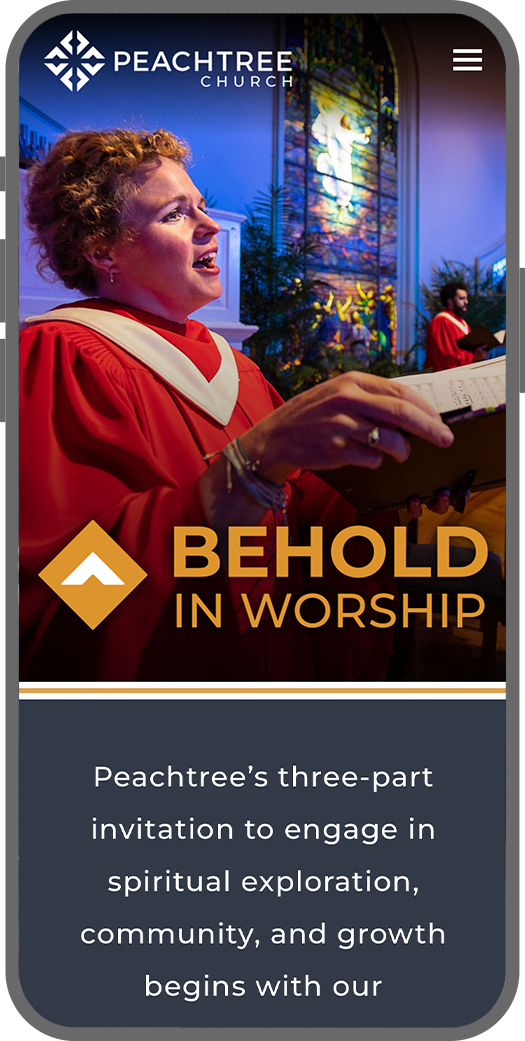
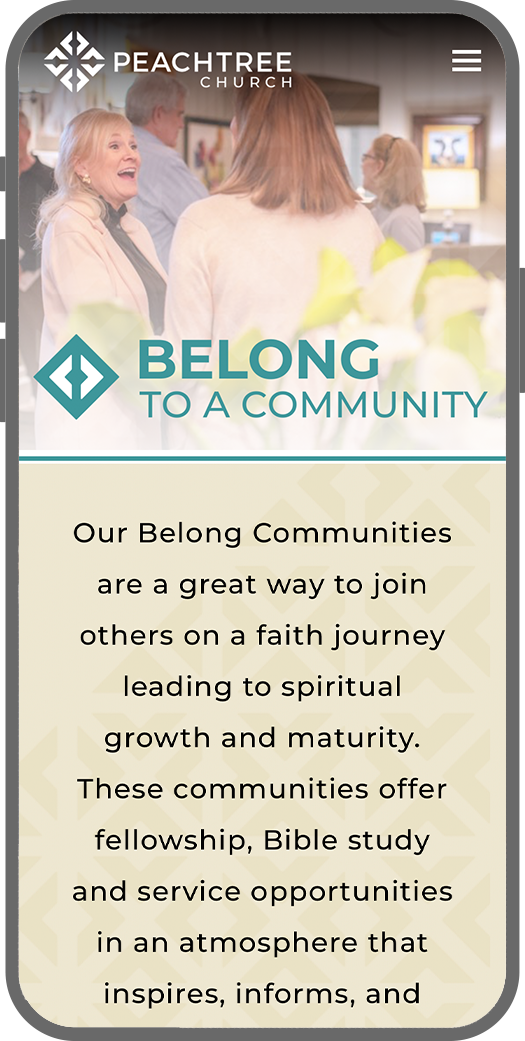
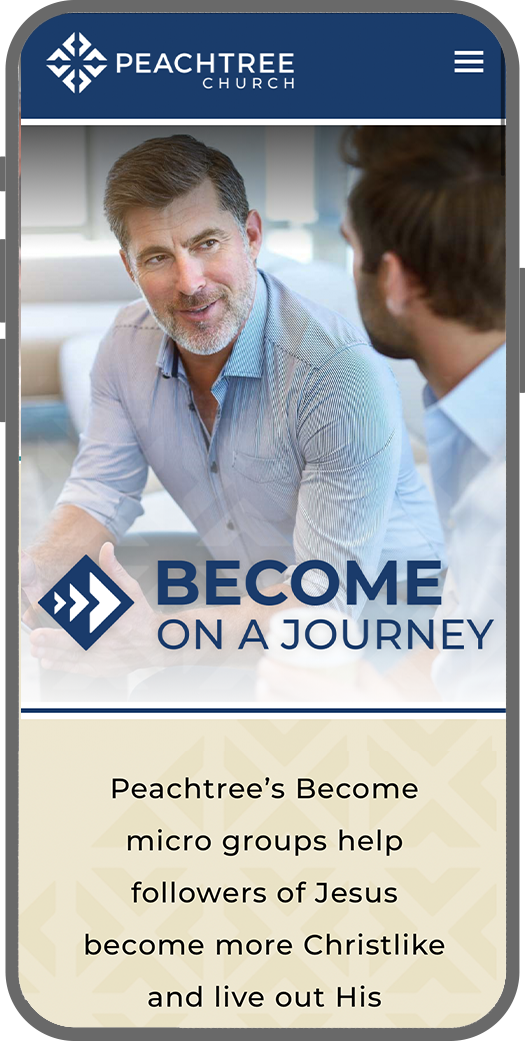
The church’s old website was good for the time it was built, but that was 5 years earlier and the visual design had become dated. The content on the site had been collecting for many years, and content bloat had created a site that could be convoluted and difficult to navigate. We did a thorough analysis of the content and design and rebuilt the page from the ground up with a focus on user experience. We only included content that was relevant to the majority of the target audience.
Website
Screenshots